
Running a show
Live data
Typed values, saved text presets, polled feeds and the channel webhook.
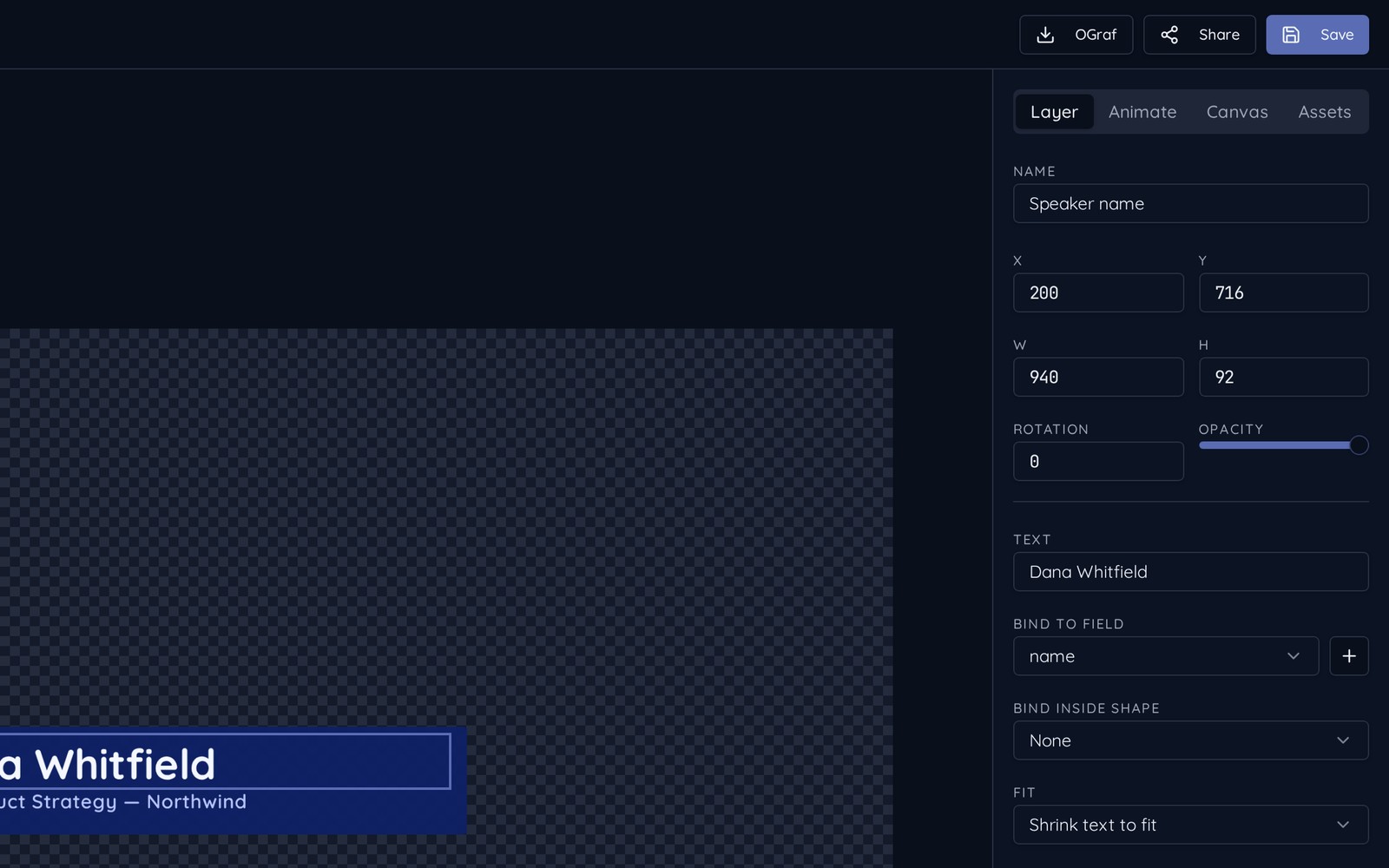
Any text or image layer can be pointed at a field instead of a fixed value. There are four ways to fill it.
1. Type it
In the Control Room's Live data panel, every field of the selected rundown item is editable. Changes to the graphic on air appear instantly.
2. Saved text presets
One rundown item can hold many saved sets of text — every guest for the day on a single lower third, for example. Save a preset, rename it, reorder them, and click one to load it before you take.
3. Polled feeds
- 1Add a feed with a JSON, CSV or published Google Sheets URL.
- 2Choose how often it should be re-read.
- 3Bind fields to columns or keys from that feed with the dropdown — no formula syntax.
4. Webhook
Your scoreboard system or a script can POST straight to the channel webhook and update fields as they change. The endpoint and its key are shown in the channel's data panel.