
Teleprompter

Beta

Subtitle timing, live segments and graphics in one script.

Import Word, PDF, text or SRT/VTT subtitles. Choose manual speed or Follow timecodes, track the live segment, and control background, text and tag opacity independently. Pause, hold and optional GFX tags connect the script to your show.

Beta: available to organizations taking part in early access while we finish it.

Welcome
Good evening and welcome to the summit. LOOK UPTonight we celebrate a year of ideas, together. Thank you all for being here and sharing this moment with us.
Our next speaker
Please welcome our next speaker. BREATHEWe will explore three ideas for the year ahead. Let us begin with the people who make it possible.

Subtitle-driven pace

Keep hidden SRT/VTT timecodes, choose Follow timecodes, and adjust rate or nudge by a second.

Keep your place

Now reading, Up next and automatically folded played segments keep the script list focused.

Tags that do things

[PAUSE] waits for you, [HOLD 5] waits five seconds, [GFX: Lower Third] takes a graphic.

Change it from your seat

Mirror, flip, size and independent background/text/tag opacity update the screen live. Auto graphics has its own switch.

Phone remote

Scan a code to drive speed and segments from a phone.

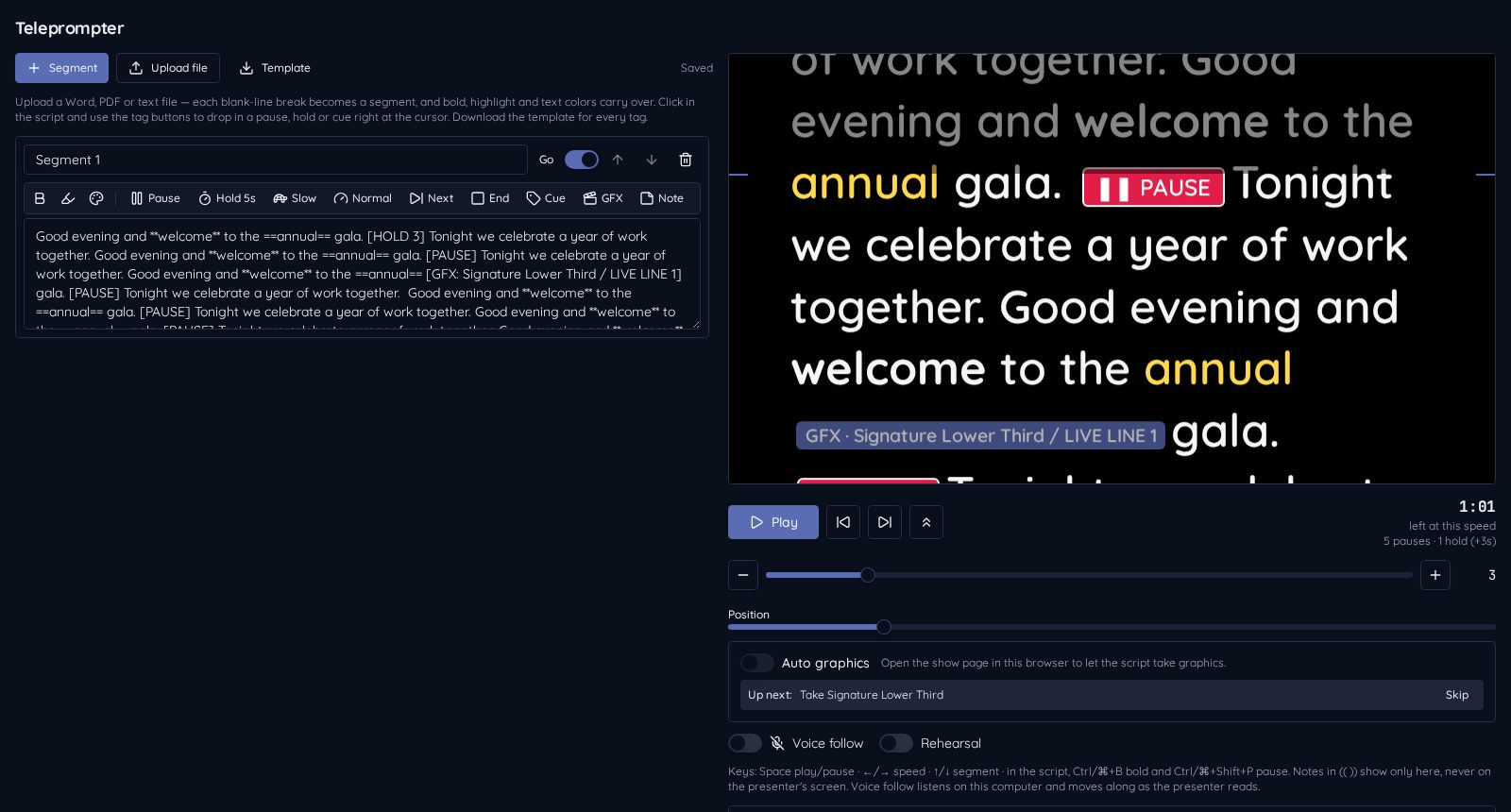
The miriGFX teleprompter control window with the script editor, tag toolbar and live preview
Actual operator interface

How it works

  1. 1Turn on Teleprompter in Show Add-Ons
  2. 2Upload or type your script; choose manual speed or Follow timecodes
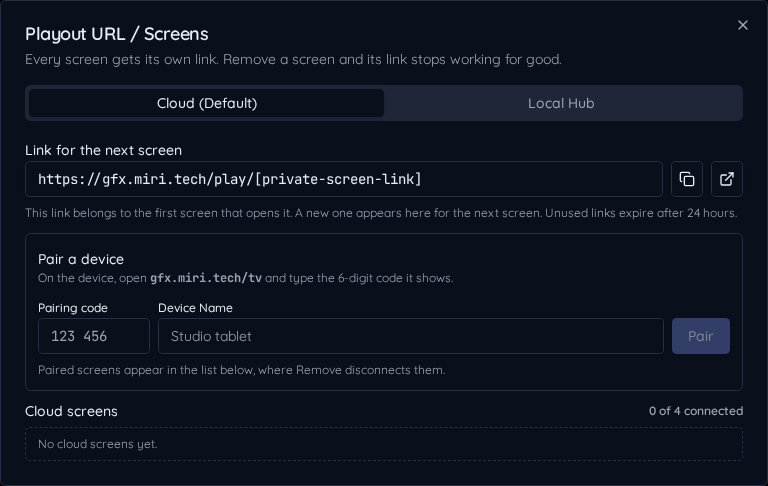
  3. 3Assign a cloud screen and press Play

What the operator controls

Enable the show add-on and open the Teleprompter popup. Type a script or upload DOCX, PDF, TXT/MD or SRT/VTT subtitles. Subtitle pauses of at least two seconds create segments; Keep subtitle timecodes preserves hidden anchors. Choose Manual speed or Follow timecodes, then track Now reading and Up next as played segments fold. Review the script before enabling Auto graphics.

What the viewer sees

A high-contrast script scrolls past an adjustable reading line. Mirror, flip, text size, margins and independent background, text and tag opacity can be changed from the operator seat or the device; operator notes and GFX tags are hidden from the reader by default.

A script with its own pace

Follow timecodes adjusts scrolling between imported markers. Rate runs from 0.5× to 1.5×; ±1s nudges adjust the position. Re-sync here clears the displayed offset while keeping your current line—it does not connect to an external media clock.
Know what is live

Now reading and Segment N of M show your place. Open a played segment to edit, then Collapse it again; Jump to live refocuses the list without seeking the reader.

Make space for applause

[PAUSE] waits until Play/Resume; [HOLD 5] waits five seconds. Cue chips such as [LOOK UP] remind the presenter without taking a graphic.

Script and graphics together

[GFX 8 L2: Lower Third / Host] selects a saved text row, takes it on layer 2 for eight seconds, and uses the show's normal Take path. Preview/CUE tags let the operator check first.

Try the presenter display

Welcome
Good evening and welcome to the summit. LOOK UPTonight we celebrate a year of ideas, together. Thank you all for being here and sharing this moment with us.
Our next speaker
Please welcome our next speaker. BREATHEWe will explore three ideas for the year ahead. Let us begin with the people who make it possible.

Sample script · Segment 1 of 2 · Now reading: Welcome

Timecodes and GFX tags stay hidden from the reader. This sample never takes graphics to air.

More features