A new guest, the same design
Save one row per guest. Select the row, check Preview, then Take on the chosen overlay layer without making another template.

HTML5 Graphics
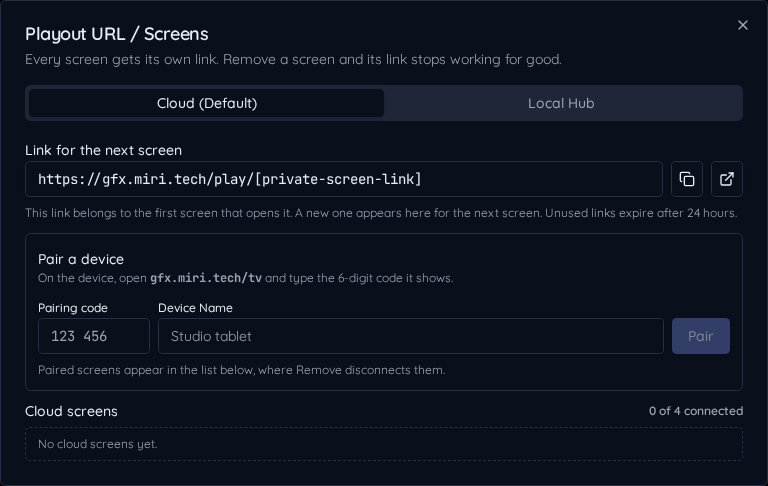
Design on a canvas sized to your show, or install a template from the Marketplace. Add its URL to vMix, OBS or another compatible browser input, with transparency built in.
Stack a lower third, a bug and a ticker on air at the same time, each fading on its own.
Check every graphic in Preview, then take it to Program with one click.
Hundreds of ready designs for worship, events, news, streaming and sports.
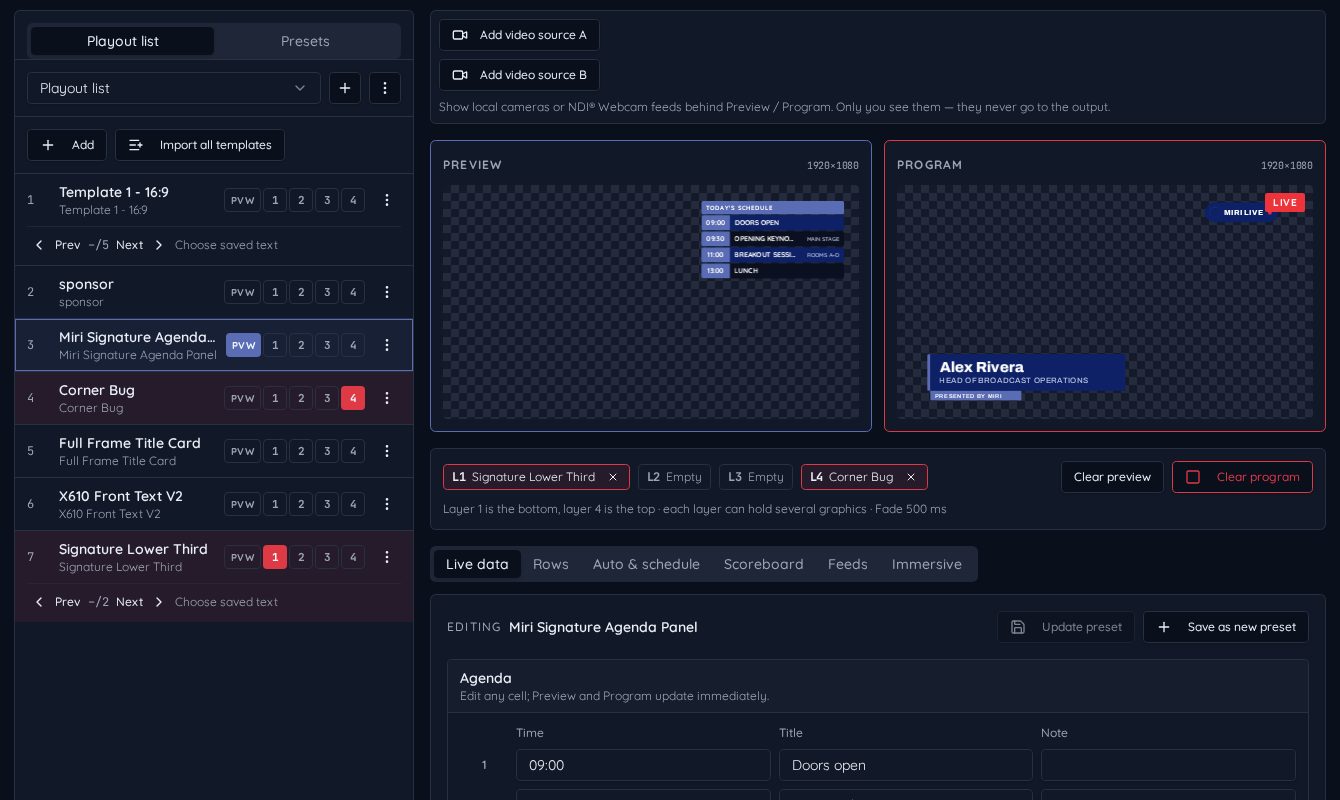
Install an editable Marketplace copy or build text, images and shapes on your own canvas. Create saved text rows for repeated names, connect fields to data, and organize graphics in the show's playout list.
Only Program reaches your audience. Preview stays private, and four overlay layers let a persistent bug coexist with a lower third, ticker or full frame.
Save one row per guest. Select the row, check Preview, then Take on the chosen overlay layer without making another template.
Use the HTML5 output as a browser source in compatible A/V software. Your live video remains visible behind the graphic.