Advance without losing your place
In manual mode, the operator controls the live slide while Preview holds the next slide. The monitor follows the presentation on Program.

Confidence Monitor
Give presenters their own screen with the live slide, speaker notes, the next slide and clocks. Add the Stage Timer alongside for timed talks.
PowerPoint speaker notes import automatically.
Switch each part on or off: slide, notes, next slide, clock and timers.
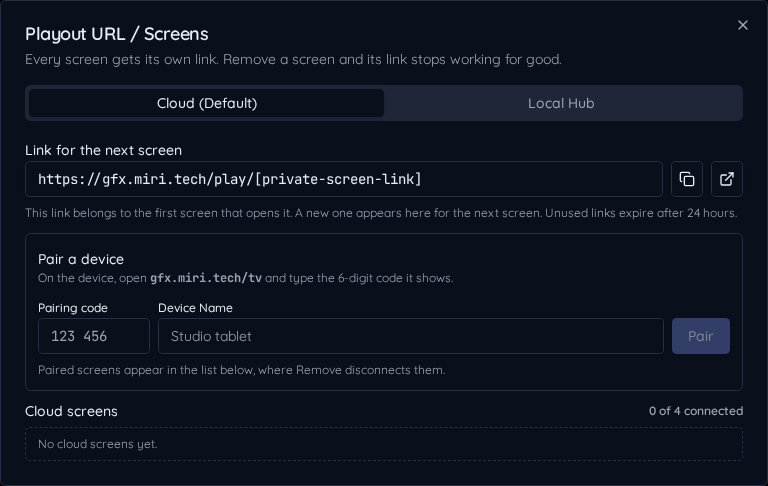
Pair it at /notes or set any paired screen to Confidence Monitor.
Import a presentation, review its speaker notes, then pair the presenter's device at /notes or assign Confidence Monitor to a screen. Choose current slide, notes, next slide and clocks independently.
The current Program slide and its notes appear together, with the next slide as a smaller reference. Presenter notes stay on this separate output rather than appearing in the audience graphic.
In manual mode, the operator controls the live slide while Preview holds the next slide. The monitor follows the presentation on Program.
When Stage Timer is enabled, choose Timer + Presentation to keep speaker time beside slides and notes, or use a separate wide timer screen.